Why Your Mix Sounds Amazing in the Studio and Terrible Everywhere Else
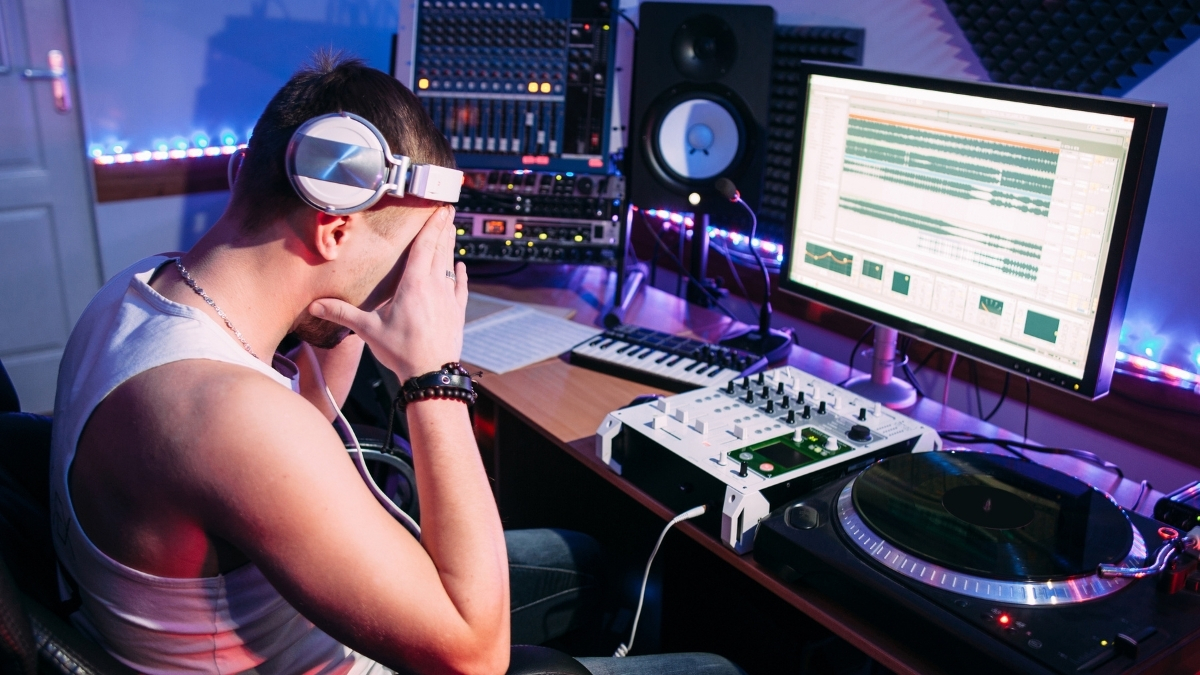
You spend three days on a mix. You play it through your studio monitors and it sounds incredible. Balanced, warm, punchy. Then you export it and play it in your car on the way home. One side sounds heavier than the other. The bass is completely gone. The vocal sounds harsh and thin. You feel like throwing your audio interface out the window.
That is a mix translation problem. And almost every producer has been there.
Mix translation is the ability of a mix to sound good across different playback systems. Not just your studio monitors but phones, earbuds, Bluetooth speakers, laptops, car stereos, and club rigs. It is one of the biggest gaps between amateur and professional mixes, and the reason most bedroom mixes struggle with it is not lack of skill. It is lack of process.
Why Your Room Is Lying to You
Every room has acoustic characteristics that color what you hear. Low-frequency buildup in corners, reflections off untreated walls, peaks and dips in frequency response caused by room modes. All of this means that what you hear in your studio is a colored version of your mix, not the actual truth of it.
If your room has a big 200Hz buildup, you will probably cut that range to compensate. Then your mix sounds thin everywhere else. If your room has poor bass response, you will keep boosting low end until your mix is boomy on every other system. Your room is your biggest mixing variable, and for most bedroom producers, it is almost completely uncontrolled.
This is why expensive treated studios exist. But you do not need a $50,000 acoustic treatment budget to fix your translation. You need a smarter process.
The Reference Track Method
The single most powerful thing you can do for mix translation costs you nothing. Use reference tracks.
Load a commercially released mix that sounds close to what you are going for into your DAW at the start of every session. A-B your mix against it regularly throughout. Not to copy it but to calibrate your ears to your room.
When you switch between your mix and the reference, your brain recalibrates to what "right" sounds like in your specific listening environment. You start hearing your low end in context. You notice if your vocal is sitting forward or getting buried. You catch when your mix is too bright, too dark, too wide, or too narrow.
The reference track forces objectivity. And it is the single best habit you can build for improving mix translation. Most producers use it inconsistently or skip it entirely. The ones who use it every session make noticeably better mixing decisions.
Check Your Mix in Mono
Mono checking is not just about catching phase issues. It is about translation. Most phones, many laptops, Bluetooth speakers, and a huge percentage of real-world listening environments are either mono or near-mono. If your mix loses power, balance, and clarity in mono, it will translate poorly to a massive chunk of your audience.
When you collapse to mono, your mix should feel similar in weight and clarity to stereo, just without the width. If elements disappear, if the low end collapses, or if the balance shifts dramatically, those are problems to fix before you export.
Make mono checking a habit mid-session and before finalizing. It takes 10 seconds to flip the switch and it will catch problems that would have followed your mix everywhere.
The Multi-System Check
This is the part most bedroom producers skip because it feels tedious. Do not skip it. Listen to your mix on at least three different systems before calling it done.
Your studio monitors first. Then something small: laptop speakers, a Bluetooth speaker, or earbuds. Then something with a very different frequency response, your car stereo, a cheap portable speaker, or your phone speaker directly.
What you are listening for: does the low end feel proportionally similar across all of them? Does the vocal still sit clearly? Do the transients still punch? Does anything sound harsh or boomy on one system that did not on your monitors?
Over time you will start to notice patterns. If your hi-hats are consistently harsh on earbuds, you are probably slightly boosting in the 10 to 12kHz range. If your bass disappears on laptop speakers, it might be living too low in the sub frequencies and needs more harmonic content in the 80 to 150Hz range to feel present on systems that cannot reproduce deep sub.
Volume Matching Is Non-Negotiable
One huge mistake when using reference tracks: listening to your reference at a different volume than your mix. Louder almost always sounds better to human ears. If your reference is 3dB hotter than your mix, it will sound better regardless of quality.
Always volume-match before comparing. Get the reference to the same perceived loudness as your mix, then A-B them. Most DAWs let you set the clip gain on an imported track directly. Take the extra 30 seconds to do this. It makes your reference comparisons honest.
The Soft Volume Test
One of the most underused translation tricks: drop your monitoring volume down to barely audible. Almost a whisper. At low volumes, your ears lose sensitivity to extreme frequencies, a principle known as the Fletcher-Munson curve. Everything sounds thinner and less extended at low volume.
If your mix still sounds tonally balanced and your vocal still sits forward at low volume, it is translating well. If the low end vanishes entirely or the vocal gets swallowed by the mix, you have balance issues to fix.
This test costs nothing and takes 30 seconds. It is also surprisingly good at revealing which elements are genuinely earning their place in the mix and which are just riding on the power of your monitoring volume.
Ear Fatigue Kills Translation
After three to four hours of mixing, your ears lose the ability to accurately assess frequency balance, especially high frequencies and low-end weight. This is when you make moves that sound right in the moment but are wrong for every other playback system.
Take breaks. Step out of the room. Come back fresh. The most dangerous moment in any mixing session is hour four when you are deep in the zone and your ears are completely cooked. That is when mixes go sideways. Not because you lack skill but because you lack fresh ears.
A 20-minute walk can save hours of revision. Not an exaggeration.
The Bigger Picture
Mix translation is not a mysterious skill reserved for engineers with $10,000 studio setups. It is a process. And the earlier you build the process into your sessions, the faster your mixes start sounding professional, not just in your room but everywhere people actually listen to music.

Comments:
Apr 15
Apr 16
Apr 16
Login to comment on this post